
Forsyth County Traffic Court Records
Most traffic cases here are District 31 matters. That means the state court system keeps the public case history, the court date, and the disposition. No city court is involved. The fastest starting point is the North Carolina eCourts Portal. It hosts the Forsyth docket search. Its Case Summary separates events, hearings, dispositions, and financial information. Treat it as a research aid only. It is not an official or certified record.
The North Carolina traffic violations guidance lays out the rules. It covers what a traffic citation means and how the state handles it. Those rules govern Forsyth traffic court records.
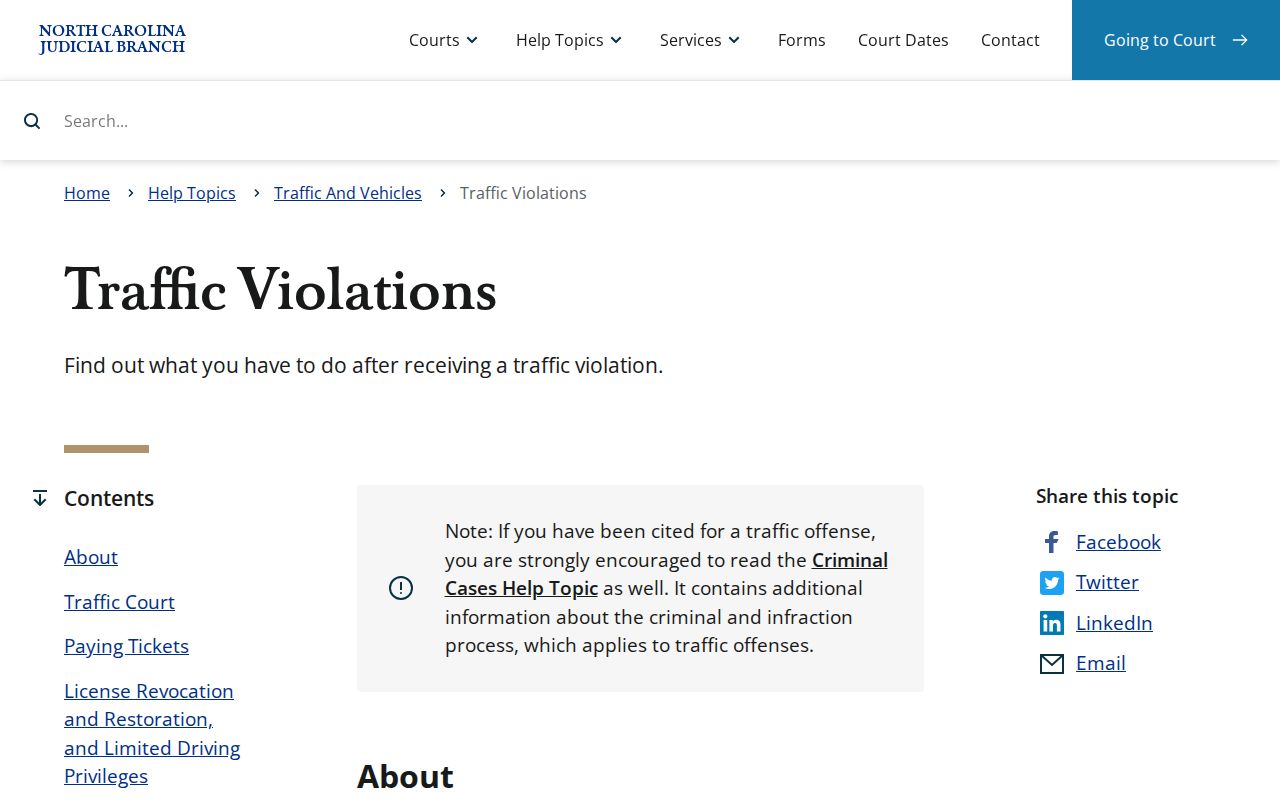
The state guidance tells every driver with a Forsyth citation to keep that exact identifier handy, verify the court date, and check whether the specific case qualifies for online payment before assuming it does.
Forsyth District 31 Traffic Dockets
District Court in District 31 handles Forsyth misdemeanors and infractions, including traffic matters. The case record sits in the unified General Court of Justice. A citation or a city parking notice does not automatically create a city court docket. Three details do the separating. They are the case type, the issuing agency, and the exact identifier. Together they sort a state court record from a municipal administrative matter.
Use the Portal for current public case activity. For an older record, a missing public result, or an official document, turn to the Forsyth Clerk of Superior Court. That office is the local custodian. Self-service terminals round out the access path. So do paper files at the clerk's office. A city name on a ticket is not enough. It does not by itself identify the record custodian or the court process.
Looking Up a Traffic Ticket
Forsyth Smart Search is the most direct online route to a traffic record. Enter the exact citation or case number when you have it. Select Forsyth in the location filter. A name search is allowed when no identifier is available. It can pull up more than one public record. Search Hearings is a separate tool. It works better for confirming a future setting. A dollar figure on the screen may not be payable through the Portal.
The full lookup path runs through the clerk, not just the online screen. Public records can be inspected at a clerk self-service terminal or in available files. For an ordinary, certified, or exemplified copy, talk to the clerk. Tell them the case, the document, and the copy category you need.
- Keep the Forsyth citation or court case number from the ticket and identify the issuing agency.
- Open Forsyth Smart Search, select Forsyth where available, and use the exact Forsyth citation or case number.
- Open the Forsyth public Case Summary to separate hearings, events, disposition, and financial information.
- Use Forsyth Search Hearings to confirm a Forsyth setting with Hearing Type, Search Type, and a narrow date range.
- Use the Forsyth Clerk, public terminal, or available public file when an official record or public-file inspection is needed.
Forsyth Traffic Citation Search Fields
The Portal's search controls need a term that fits the search type you pick. An exact citation or record number beats a broad name search almost every time. Location narrows statewide results down to Forsyth. Case Type and Case Status refine the search further. Filing dates help when the name is common. Advanced criteria do not stand alone, the guide warns. A 200-result display is a signal to refine, not a complete result set.
| Field | Use for a Forsyth traffic record | Limit |
|---|---|---|
| Record Number or Citation | Use the exact Forsyth identifier from the document when the configured search supports it. | Do not put a Forsyth citation into an unrelated name-search field. |
| Location | Select Forsyth to narrow the public result. | It is required for Search Hearings. |
| Case Type and Status | Use configured Forsyth Criminal or Infraction choices when appropriate. | Forsyth status needs review with dated events and disposition. |
| Filing Date | Use a range to refine a permitted Forsyth name search. | It does not replace the Forsyth citation or record number. |
Forsyth does not publish one fixed traffic-citation format. Copy the number exactly as printed. A court case number may follow the general eCourts structure shown by 26CR000123-330, with the local suffix, but that example illustrates a criminal file format, not a traffic citation. Exact entry is what prevents a false match.
How to Find Your Traffic Court Date
Search Hearings answers a court-date question. It asks for Location, Hearing Type, and Search Type. Pick Forsyth. Choose the live Hearing Type the interface shows, then match by Case Number, Party Name, Business Name, Attorney Name, Attorney Bar Number, Judicial Officer, or Courtroom. Enter your query plus a Date From and Date To range. Because Hearing Type is a live field, never assume a fixed list of options.
| Citation or Case Number | Use the exact number printed on the document. A court case number may use a local -330 suffix. |
|---|---|
| Location | Select Forsyth for the required hearing-search location. |
| Hearing Type | Select the current interface value that fits the public court-date search. |
| Search Type | Match the query to Case Number, Party Name, Courtroom, or another listed type. |
| Date Range | Use a narrow Date From and Date To range, then review the Case Summary. |
Local schedules add session context, but they cannot replace a current individual setting. Check the public hearing record close to the date. A reset or other change can make an older notice stale. The current official notice and the court's direction control.
Forsyth Traffic Hearing Search Controls
Smart Search opens a public case history. Search Hearings finds a listed proceeding through location, type, search type, query, and date controls. Once a hearing appears, open the Case Summary. It tells an upcoming setting apart from earlier events or a recorded disposition. The Forsyth local administrative schedules supply session context. The Portal Advanced User Guide explains the live controls.
Pay or Contest a Ticket
The state lets some waivable offenses be paid online. It says to allow at least 24 hours before your court date. Not every ticket qualifies, though. Eligibility depends on the details of your case. So treat the Portal's Make Payments function as a maybe rather than a promise. It covers qualifying criminal or infraction obligations, plus some supervision-related obligations. Before you rely on it, open the current official system and confirm the total it shows you. And remember: paying online does not automatically excuse you from a required court appearance. A payment option is not a ruling on every issue in your case.
| Check for payment | Attend or otherwise respond |
|---|---|
| Confirm that the particular matter is eligible in the official system. | Use the current court notice and case record to identify the required response. |
| Portal payment has a 2.39% transaction fee with a $1 minimum when the function applies. | A listed amount or calendar entry does not by itself explain the next required court action. |
| Forsyth also publishes courthouse and mail payment information. | Use the clerk or appropriate court office for a record-specific question. |
Missed court-date caution: State traffic guidance says a failure to appear can lead to a statutory fee and later DMV notification after the listed period. A later missed appearance can lead to additional court action. Check the current record or clerk for the actual status and next step.
Once judgment enters, unpaid obligations can also trigger reporting on the state's timeline. Whether that happens depends on the case. For a current Forsyth ticket, rely on the public record and the official traffic guidance rather than assumptions borrowed from some other citation.
Forsyth Traffic Docket Status Terms
Traffic cases appear in the same public Case Summary framework. That framework is used for other criminal or infraction matters. The summary can list case information, events, hearings, disposition, and financials where present. A balance can change over time. Payment eligibility is a separate question from whether a balance exists. A hearing line is only a listed proceeding. A disposition records an actual outcome or status. When a ticket carries more than one entry, read both alongside their dates.
- Case Event
- A dated filing, setting, or court action. A short label can need clerk clarification.
- Hearing
- A past or future listed proceeding. Search close to the date because changes can occur.
- Disposition
- A recorded outcome or status that should be read with the relevant date and entry.
- Financials
- Amounts or balance data where shown, which does not independently establish payment eligibility.
Forsyth Portal users can search public records with no registration required. Signing up adds My Cases functions but grants no broader ordinary access. A missing result can stem from a restriction. It can also stem from a paper record, processing delays, or the input format. Do not try to bypass those limits.
Traffic Court Record vs Driving Record
A Forsyth traffic court record and a state driving record are two different files kept by different offices. The court record is the case file: the public docket history tied to a citation, along with hearings, events, disposition, and financial information where public. The Forsyth Clerk holds that local court file. The state licensing system maintains the driving record instead. Neither file substitutes for the other. A Portal court search is not a state licensing-record request.
| Record | Custodian | Use the proper route |
|---|---|---|
| Forsyth traffic court case record | Forsyth Clerk of Superior Court | Portal for current public Case Summary; clerk for an official court copy. |
| State driving record | State licensing agency | Use the separate state licensing-record process, not the court Portal. |
This distinction also keeps the court-date question clear. The public court file can show whether a case has a hearing or a recorded disposition. Any request for another state-held record follows its own process, outside the clerk's court-file copy function.
Winston-Salem Parking and Forsyth Traffic
Winston-Salem's official payment page offers a city parking-ticket payment service. Paying there does not mean the ticket has a North Carolina state court docket. A state traffic citation belongs in the Portal. Its court hearing belongs there too, along with the state traffic guidance and the Forsyth Clerk route. A city parking ticket stays with the issuing city's own parking or payment instructions. The safest way to tell the two apart is the issuing agency. The identifier printed on the document matters as well. The Winston-Salem payment page shows the city's own parking-ticket payment details.
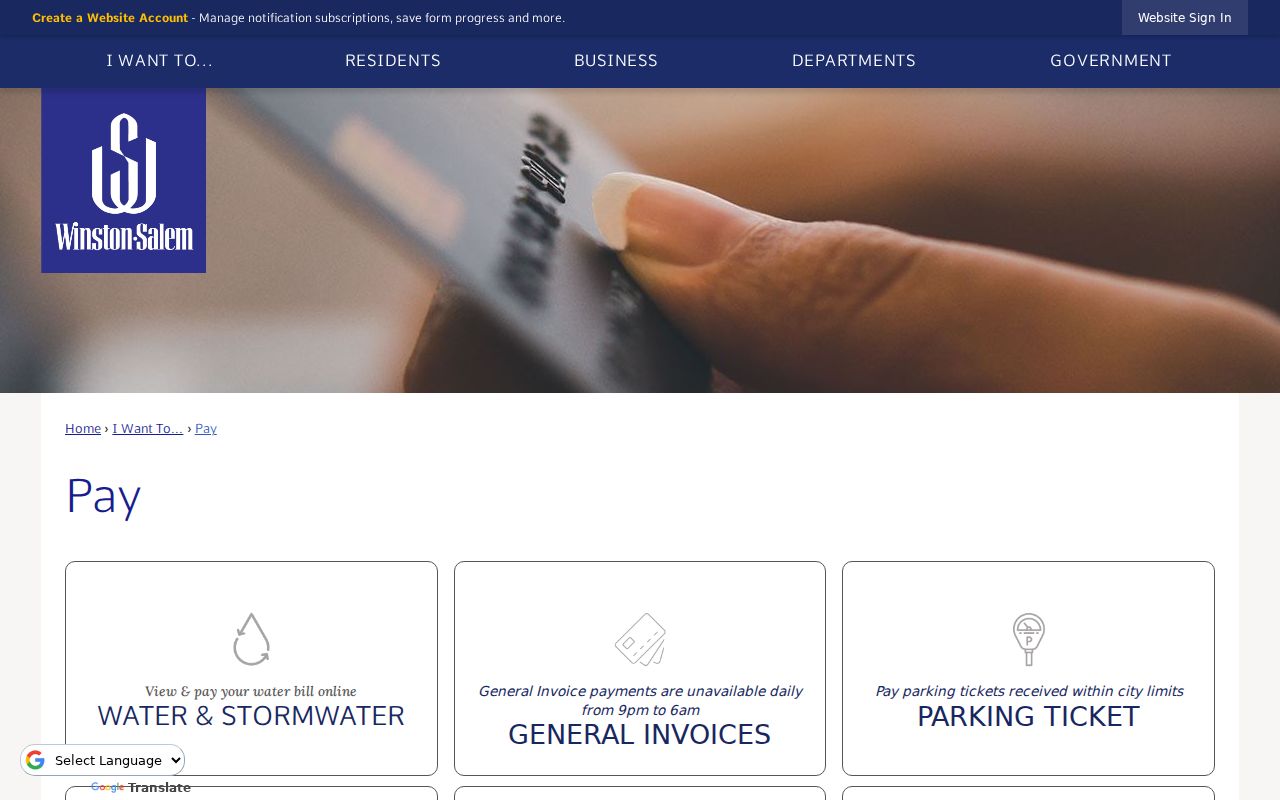
A city parking receipt does not resolve a District 31 court citation. Likewise, a court payment route will not settle a city administrative parking matter. If the issuing agency is unclear, use its official contact channel rather than guessing.
Copies and Fees
For a traffic court record, the public Portal is a good source of current information. It is not an official copy service. The state court-records route leads to the Forsyth Clerk. There you can get an ordinary, certified, or exemplified copy. Give the clerk the county case number. Add the document title, the approximate date, and the copy category you want. The clerk can also arrange public-file inspection through a terminal or the available paper file. Confirm record availability and the total fee before submitting a request.
| Clerk copy category | Statutory fee | Forsyth traffic record note |
|---|---|---|
| First page of each document | $2 | Each additional page is $0.25. |
| Certificate under seal | $3 | State the certification need before payment. |
| Exemplification | $10 | Ask the clerk for the required category. |
| Criminal-record search | $25 | Confirm whether the category fits the particular request. |
The North Carolina public court-records statute is the source for the image below.
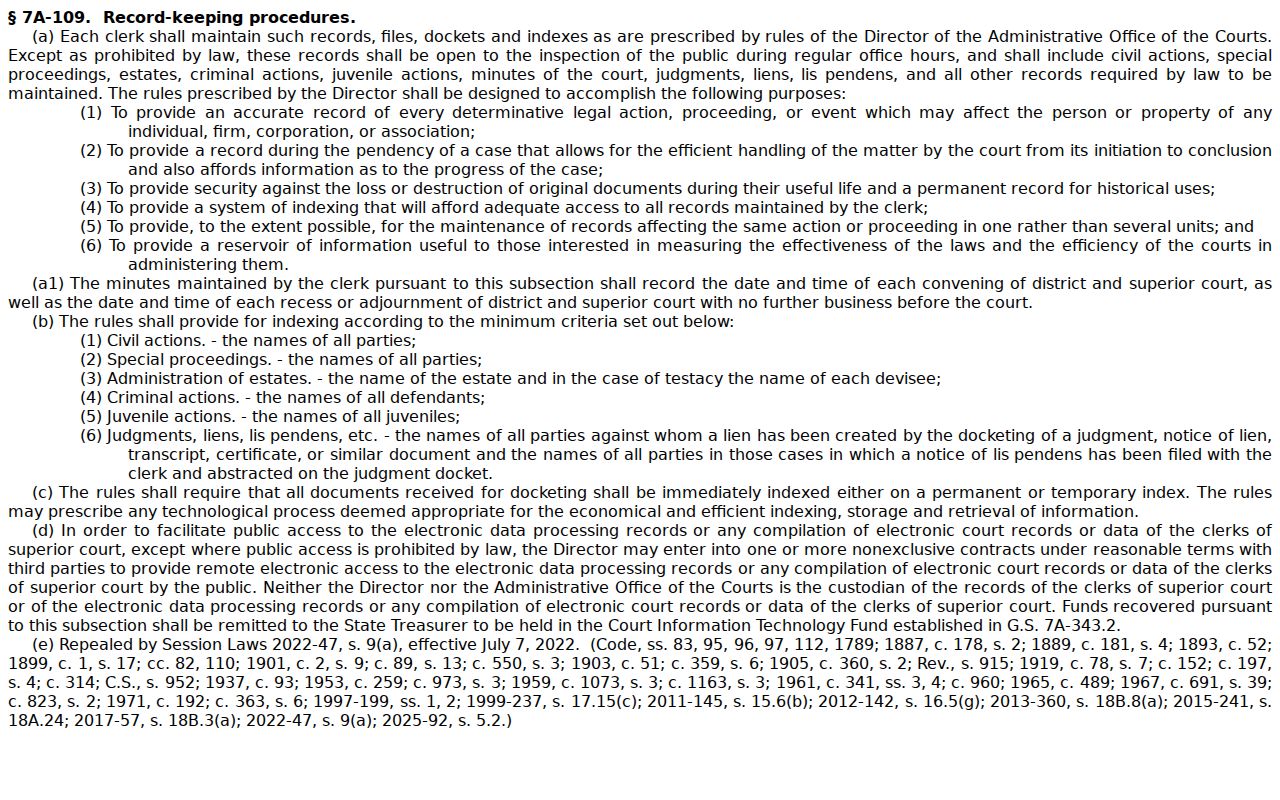
Legal limits still apply to public inspection. Nothing about it guarantees that every electronic item can be downloaded or certified online.
Forsyth Traffic Record Copies
The Forsyth payment information separates payment methods. It is not a general copy-order checkout. Mail payment takes a money order or certified check only. No cash, no personal check, no debit or credit card. In person at the courthouse, cash works. So does a money order, a certified check, or specified cards subject to a fee. Online payment covers only eligible obligations. A court-record copy request should first pin down the exact public document and copy type. Then follow clerk direction on fees and delivery. The Forsyth County payment information sets out each payment method the clerk accepts.
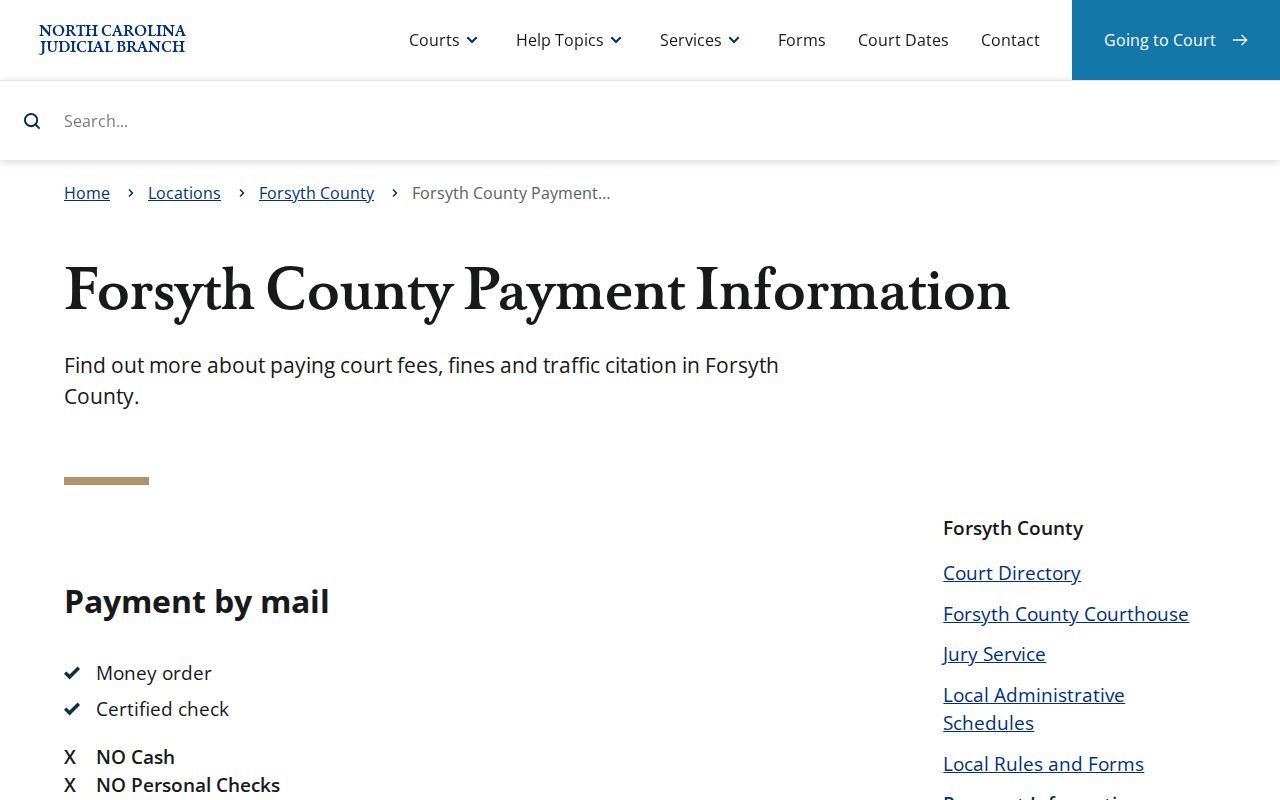
The payment rules draw a careful line between an eligible obligation and a request for an official public court record. For broader date checking, the Forsyth County court dates page walks through the hearing-search route.