
How to Search Cases by Name
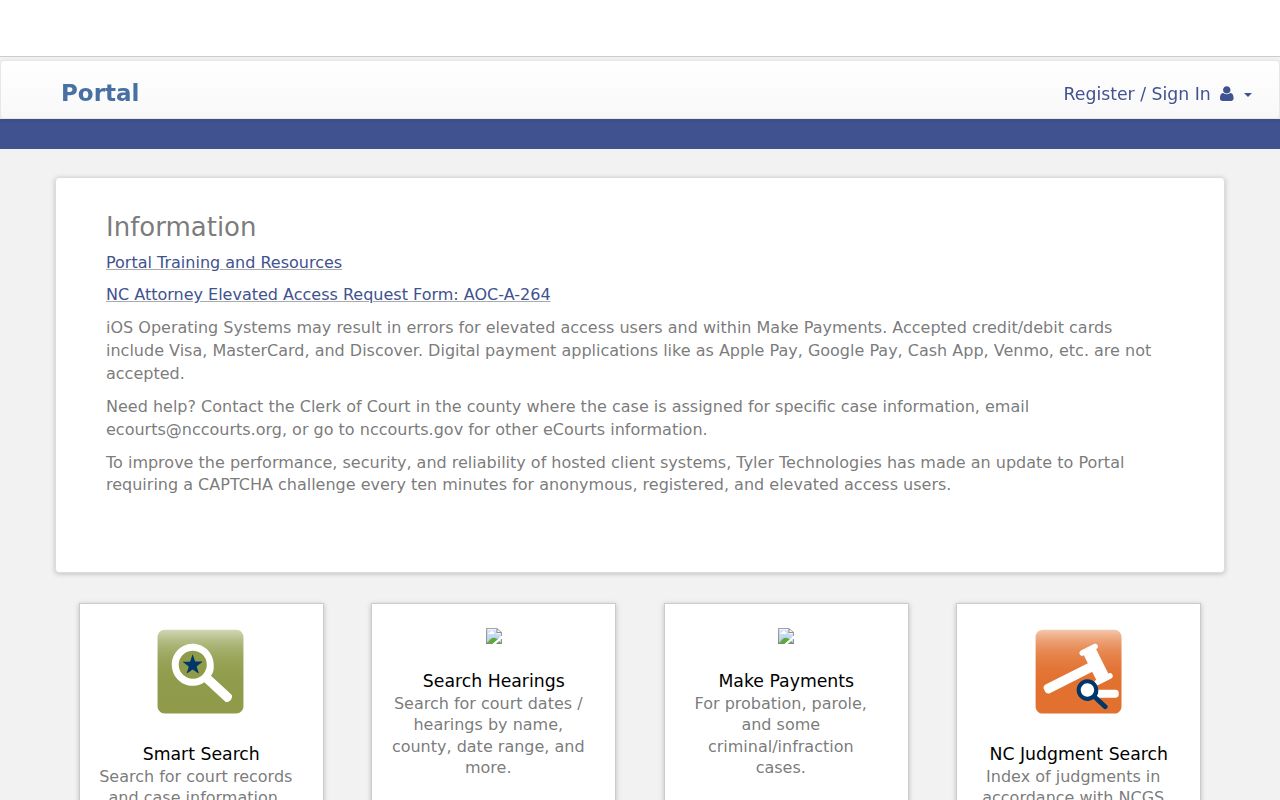
For public Forsyth County case information, begin at eCourts Portal Smart Search. Type the party name into the basic search field. Then set Location to Forsyth County, or you will wade through a statewide list. Name searches often return several people with similar names. Add a case type, status, or filing-date range when that helps you pick the right public record.
- Choose Smart Search and enter a party name in the basic Record Number or Name field.
- Set Location to Forsyth County and select a matching Search Type, such as Party Name or Business Name, if the form calls for it.
- Add a case type, status, or filing-date range to narrow a common name. Advanced criteria cannot stand alone without the basic term.
- Open the underlined Forsyth case number in a public result to view the Case Summary, also called the Register of Actions.
A partial name can still work. The Portal guide permits a wildcard: a surname with at least three characters plus an asterisk, a first name with at least one character, and a business or nickname with at least four. Watch the result count too. A Forsyth search that reaches 200 results should be refined, since the first screen is not the complete answer.
Forsyth County Case Search Fields
The Portal Advanced User Guide lists the Smart Search controls that apply to Forsyth cases. Start with a basic term, either a name or a record number. Filters narrow that search; they cannot stand alone without something to filter.
| Portal field | Use in a Forsyth search | Practical limit |
|---|---|---|
| Record Number or Name | Enter an exact public Forsyth case number or Forsyth party name. | Required basic term. |
| Search Type | Match a Forsyth input to case number, party, business, citation, or related configured type. | Do not put a citation in a party-name search. |
| Location | Choose Forsyth County. | Strongly recommended for a county lookup. |
| Case Type | Filter a Forsyth result among available civil, criminal, estate, family, or subtype choices. | Optional and category dependent. |
| Case Status | Limit a Forsyth public result by status values such as Pending, Disposed, Archived, Appeal, or Remanded. | Available values vary by case family. |
| Filing Date From / To | Use a date range for a common name. | Optional. |
| Party Date of Birth | Use only a permitted portal input when needed. | Public displays mask month and day. |
| Wildcard | Use the guide’s minimum characters and an asterisk. | Do not guess a case number. |
Any Forsyth public user can open the Portal without registering. Signing up adds My Cases functions. Yet it grants no access to records that state law or a court order keeps restricted. Case Type choices keep a Forsyth County case lookup pointed at the right docket. Civil options in the guide include Civil General, Civil Magistrate, and Civil Superior. Bond forfeiture, foreclosure, non-domestic restraining orders, and summary ejectment are civil choices too. Criminal and Infraction matters sit in their own categories. Family, probate, and mental-health cases appear too. Access rules may hide parts from a public user, though. Pick only the category that fits the record you know. A filter is a search aid. It is not a legal classification, and not a way to expose protected details.
How to Search by Case Number
An exact number is often the fastest Forsyth County case lookup. Copy it from a court notice when you can. Enter it in Smart Search exactly as written. North Carolina's eCourts pattern uses a two-digit year and case-type letters. A six-digit sequence, a hyphen, and a three-digit county identifier follow. For Forsyth, that suffix is 330. 26CR000123-330 is an example, not a real case. Here 26 is the two-digit year. CR is a criminal case-type code. 000123 is the sequence. And 330 marks Forsyth. Never build a number from a person's name. Do not assume older records follow today's pattern. Once the result opens, read the Case Summary by section. Public modules can include case information, assignment information, parties, events, hearings, dispositions, charges or civil causes of action, and financial information where present. The Case Summary lays these out piece by piece.
Forsyth County Case Number Formats
North Carolina county-code materials back up the 330 suffix used on local Forsyth eCourts-style numbers. That suffix sharpens a public search. It says nothing about whether the record itself is public.
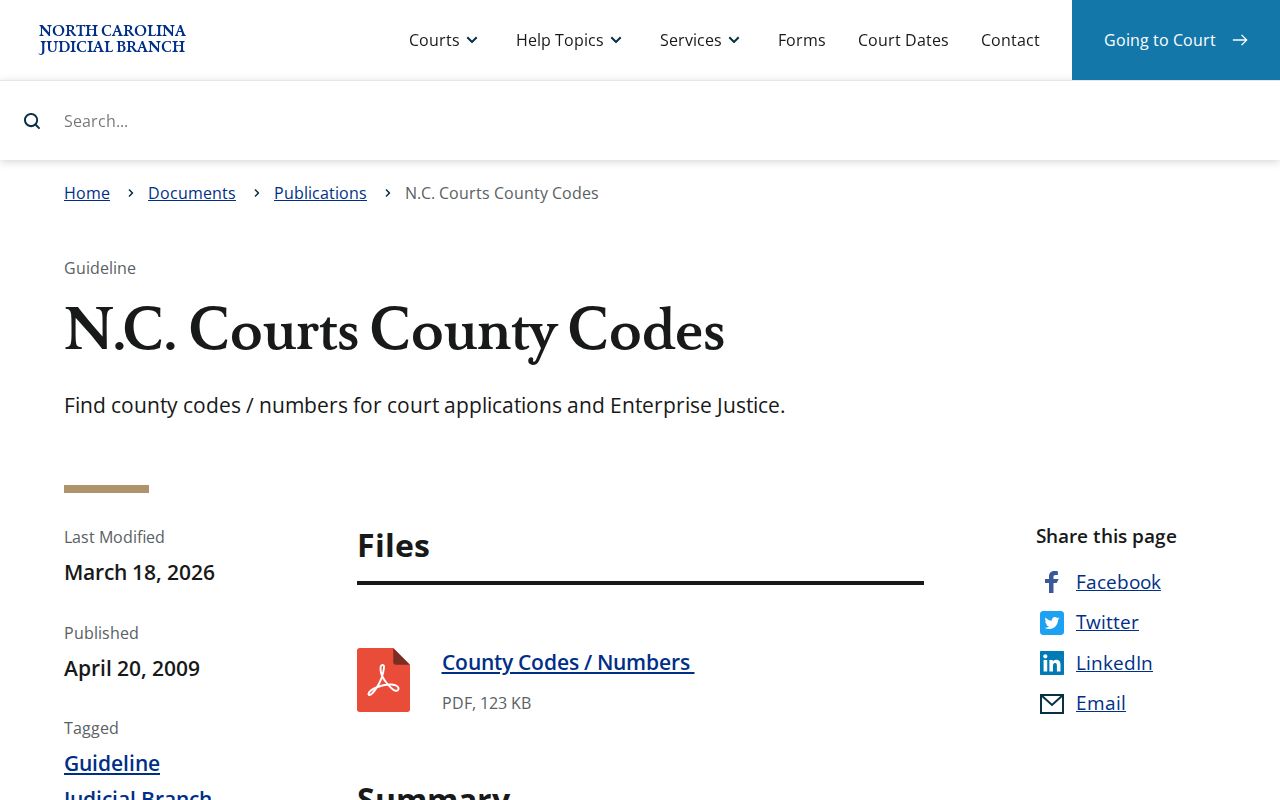
Older migrated Forsyth records may carry legacy codes: CVD for Civil General, CVM for Civil Magistrate, or CVS for Civil Superior. Treat a legacy format as a cue to search carefully or ask the Forsyth Clerk about a public historical file. It is not a reason to guess at missing facts from a partial result.
What a Case Search Shows
A public Forsyth result opens a Case Summary or Register of Actions. This chronological, public-facing summary builds on the clerk's official record. It can update after Enterprise Justice entries are processed. It is a good source for current public information. Still, it is not certified. And it does not promise that every filed item can be downloaded.
| Case Number | The public identifier used to open the Case Summary and distinguish a result from a similar name. |
|---|---|
| Case Information | Core identifying information and system status, which should be read with the related events and dispositions. |
| Party Information | Public party and counsel information where permitted. Personal data can be masked or withheld. |
| Events and Hearings | Dated filings, court actions, or listed proceedings. A hearing entry does not itself state the result. |
| Disposition and Financials | Outcome or payment-related information where present. A status label or balance can change over time. |
A charge is an allegation, not a finding. A civil cause of action names the type of claim, not the evidence or any ruling. For an official document, a certification, or a paper-file question, go to the Forsyth Clerk rather than treating the Portal screen as the record itself.
Forsyth County Case Search Refinements
The eCourts Portal rewards a deliberate sequence: basic term, Forsyth Location, the right filter, then review of the public Case Summary. Exact input matters. A no-result screen can mean a spelling slip, a wrong number format, restrictive filters, a public-record boundary, a paper record, or plain processing time.
Useful check: If Smart Search returns 200 results, narrow the public query with Forsyth Location, a case category, a status, or a filing-date range before reviewing results.
Judgment Search for Forsyth is a separate, narrower index. It helps when you need a public judgment reference. For the fuller public Case Summary and current financial information, Smart Search is the way back.
County vs Statewide Case Search
Forsyth County has no standalone case-search site of its own. Every docket search runs through the statewide eCourts Portal. Set Location to Forsyth County and you get a local case lookup. Leave it broad and you search the whole state. The local filter simply narrows the results once you know the case belongs in Forsyth.
| Statewide Portal search | Forsyth-focused Portal search |
|---|---|
| Searches public information across participating North Carolina locations. | Uses the same Portal with Location set to Forsyth County. |
| Best for an uncertain county or a broader public inquiry. | Best for a known local case, local party name, or local hearing. |
| Can produce more similarly named results. | Reduces statewide homonyms but does not bypass access restrictions. |
After the statewide eCourts rollout, the Portal became the public entry point for all 100 North Carolina counties. Documents and certified records in a Forsyth file are another matter. The county clerk holds those locally.
Forsyth County Case Hearing Searches
Portal training resources split the two tools. Smart Search finds a public case and its Case Summary. Search Hearings is the better pick when you mainly need a future court date. It asks for Forsyth as the Location and a Hearing Type. You also choose a Search Type with matching input. A Date From and Date To range finishes the query.
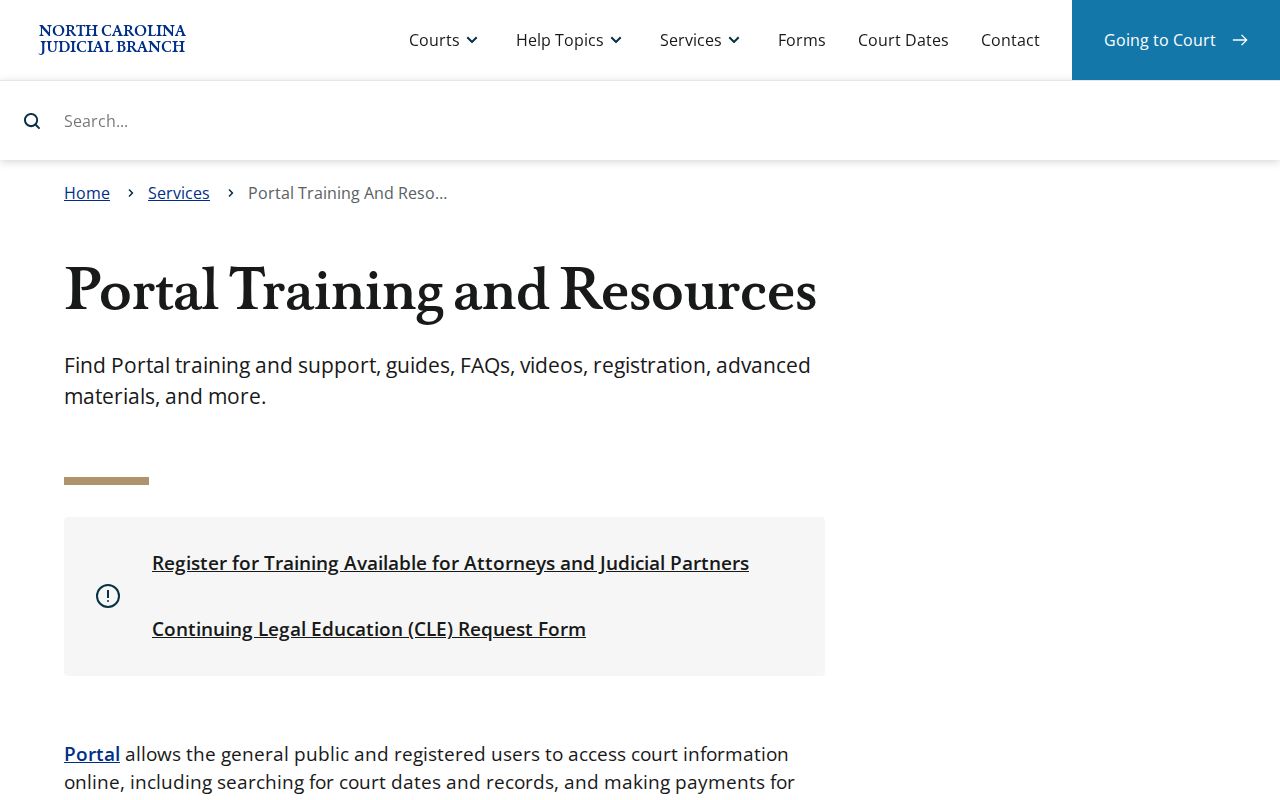
For Forsyth, the Search Type menu can include Case Number, Party Name, Business Name, Attorney Name, Attorney Bar Number, Judicial Officer, and Courtroom. The Forsyth County Court Dates page walks through how those controls shape a hearing search.
Restricted Cases and Access Rules
Public access to Forsyth court records has hard limits. Current Portal guidance lists categories closed to ordinary public users: sealed judicial records, juvenile cases, certain warrants, records tied to protective orders, protected special proceedings, and some name-change or involuntary-commitment matters. No public search gets around those rules.
Two statutes frame this. G.S. 7A-109 opens clerk-maintained records for inspection during regular office hours unless another law bars access, and G.S. 7B-3000 gives juvenile records specific confidentiality protection. Direct questions about lawful access to a specific record to the Forsyth Clerk.
A Forsyth record can also be sealed, expunged, offline, or still processing. A blank result in a public search proves nothing either way about whether a proceeding happened.
Forsyth County Legacy Case Records
The Track 9 transition notice reports that Forsyth switched to Enterprise Justice on July 21, 2025. Newer cases surface through the Portal first. Paper documents already on file at go-live stayed with the clerk's office, so a historical record may take a clerk request or a public self-service terminal.
That cutoff does not make every online Forsyth result incomplete. It just means an older document can demand the right channel. Want a file copy, a certified record, or the county of filing confirmed? Contact the Forsyth Clerk.
Keep one distinction in mind. An informational Portal display and a clerk-issued official copy serve different purposes, even when both describe the same public case.