
Searching Forsyth County Civil Dockets
The public starting point for any Forsyth civil docket is the North Carolina eCourts Portal. With an exact Forsyth record number, Smart Search is the straightest route. Name searches work too. Pick Forsyth Location. Then add a case type, status, or filing-date filter only if the results come back too broad. Clicking a public case result opens the Case Summary, sometimes labeled the Register of Actions. There you can scan the chronology. It covers events, causes of action, hearings, dispositions, and any financial modules the case carries.
When the real question is whether a matter has an upcoming hearing, Search Hearings does the job better. Set it to Forsyth. Choose the live Hearing Type, pick the matching Search Type, and keep the date range tight. If the online result leaves you stuck, pull an available record at the Forsyth Clerk's self-service terminal. You can also simply ask the clerk about the Forsyth County file. Remember that the Portal is informational only. It does not hand out official or certified copies.
- Open the Forsyth eCourts Portal and choose Smart Search.
- Enter the exact Forsyth civil record number, or a permitted name, and choose Forsyth as Location.
- Use case type, case status, or a filing-date range to refine a broad Forsyth public result.
- Open the Forsyth public Case Summary and distinguish events, hearings, dispositions, and financials.
- Use Search Hearings for a current Forsyth setting, then contact the Forsyth Clerk for an official copy.
Forsyth Civil Smart Search Filters
The Portal guide expects one basic search term plus optional filters. For a known Civil Superior or Civil General matter, the exact record number paired with Forsyth Location narrows things best. A common name needs more. Add case type or status, plus filing dates, to cut the noise. The interface also offers configured search types. But the type you pick should match the term you entered. And keep the Portal in its lane: it's not a tool for submitting a calendar request. An empty result proves nothing.
| Civil question | Useful Portal combination | Next source |
|---|---|---|
| Find an identified Forsyth civil case | Exact record number plus Forsyth Location | Forsyth Case Summary, then clerk copy route. |
| Narrow a common Forsyth name | Basic term plus Location, type or status, and filing date | Forsyth Portal Advanced User Guide. |
| Find a Forsyth public judgment index | Judgment Search by case number or name | Smart Search for fuller Forsyth public history. |
| Check a Forsyth hearing | Search Hearings with Forsyth, type, search type, and dates | Current Forsyth local schedule for session context. |
Current eCourts records follow a general pattern. You get a year, case-type letters, a sequence number, and a local suffix. Legacy Forsyth records look different. You may see codes like CVD for Civil General, CVM for Civil Magistrate, or CVS for Civil Superior. Copy the exact number straight from a notice or record. Guessing at a case number from a name rarely works.
Inside a Forsyth County Civil Docket
The Forsyth Case Summary is a public-facing chronology drawn from the clerk's official record. It is not a promise that every attachment or field shows up in every matter. Read entries in three steps. First find the case category, then the dated event, then sort a filing or request apart from an order, hearing, disposition, or payment item. The cause-of-action line names the claim or proceeding category. That's all it does. It neither summarizes evidence nor establishes any ruling.
| Case Information | Forsyth identifying and status information. System status should be checked against the dated history. |
|---|---|
| Cause of Action | A Forsyth civil, family, probate, or mental-health category, not a summary of evidence or result. |
| Case Event | A Forsyth filing, setting, or court action recorded by date. A short entry may need an available public document or clerk clarification. |
| Hearing | A listed Forsyth proceeding. Search close to the date because a setting can change. |
| Disposition | A recorded Forsyth outcome or status. Review the relevant claim and later events. |
| Judgment Index | An index-style public entry. Use Smart Search for fuller current Case Summary information. |
Seeing a docket entry is not the same as seeing the paper. Document availability runs on a separate track from docket visibility. A public document can sit behind a fee. It might exceed the display size, await processing, exist only on paper, or be restricted outright. When you need a specific filing, order, judgment, exhibit, or return, name it. Then ask the Forsyth Clerk for the right copy route.
Forsyth Civil Courts and Magistrates
Knowing the division makes a Forsyth civil docket easier to read. District Court generally handles civil actions of $25,000 or less. Anything above that figure usually lands in Superior Court. Within the District Court structure, magistrates take small claims up to $10,000. Treat those numbers as broad jurisdiction guides drawn from the state's civil and small-claims materials. They are not a substitute for case-specific procedural advice. The clerk also carries separate estate and special-proceeding duties. The North Carolina lawsuits guide lays out the civil division context for this Forsyth civil docket material.
Use that state material for division context before reading a docket label as a full account of a case.
A record that is public in the Portal can still carry access limits by category. Family, probate, and mental-health matters may display civil-style information. Yet their availability depends on the governing law and each record's status. Not everything in the clerk's office is a conventional civil lawsuit. So don't flatten the file cabinet that way.
Civil Case Types on the Docket
Portal categories for Forsyth civil matters include Civil General, Civil Magistrate, Civil Superior, bond forfeiture, civil foreclosure categories, confession of judgment, non-domestic restraining orders, and summary ejectment. The category points you toward the right chronology and court division. It answers only part of the picture. It won't prove that every associated document is available. The record's public status plus the document's medium still matter. The North Carolina small-claims guide covers these case types in depth.
Small claims ride on the District Court side through magistrates. Their route through the public record differs from a Civil Superior case. That distinction matters when you search. A small claim, a regular civil action, and a foreclosure all sit on the docket differently.
Foreclosure searches deserve extra care. The docket itself is a chronology, nothing more. The filing, order, judgment, or property record behind an entry is a separate question. A judgment index can point you toward a record. Yet it cannot tell you everything the entry rests on.
Forsyth Civil Calendar Requests
A court-date lookup and a calendar request are two different things in Forsyth County. Asking to place a matter on a civil calendar means filing the county's general-civil calendar request and notice form. It wants the file number, the parties, the requested week, and the hearing or motion type. The form also wants a jury or nonjury indication where that applies, service details, and interpreter notice. The form names a first-week-of-month General Civil session and a Monday calendar call. But the current form and court directions always control. The Forsyth general-civil calendar request form is a procedural document, not a public search screen. Treat it as paperwork, not a substitute for Search Hearings or a live Case Summary.
Superior civil rules send calendar requests to the Superior Court Judges Office, not the Clerk. That division of labor shapes everything. Use Search Hearings to check whether a public matter is listed. Use the current local forms and rules for calendar procedure. When a procedural question remains, contact whichever court office actually handles it.
Civil Docket Settings and Hearings
A local schedule proves a session exists. It does not prove your case is set in it. For the individual setting, Search Hearings is the right tool. Pick your Location, Hearing Type, and Search Type first. Search Type covers Case Number, Party Name, Business Name, Attorney Name, Attorney Bar Number, Judicial Officer, and Courtroom. Add the matching query plus Date From and Date To. Then open the public Case Summary as needed.
Timing matters here. Search close to the setting date. Continuances, resets, and other calendar changes can turn an older notice stale. A hearing entry only shows a proceeding was listed. It never shows the outcome by itself. The Forsyth local administrative schedules add broader context. But Portal stays the better source for the current public case setting.
Note: a posted session schedule is context only. It cannot replace the live record for an individual civil hearing.
Forsyth Civil Judgment Search
Judgment Search and Smart Search do different jobs. Judgment Search works well for an index-style lookup. It takes a case number or name with useful filters. Smart Search then takes you back to the fuller Case Summary. It shows the Case Summary's current public chronology. An index line is only an index line. Never infer the substance of a judgment, a lien-related record, or any other filing from it. When you need the document itself, look for it in Portal if it is publicly shown. Or ask the clerk for the specific file or copy.
Forsyth County's tax foreclosure information is the official page supplying the public-record image used here.
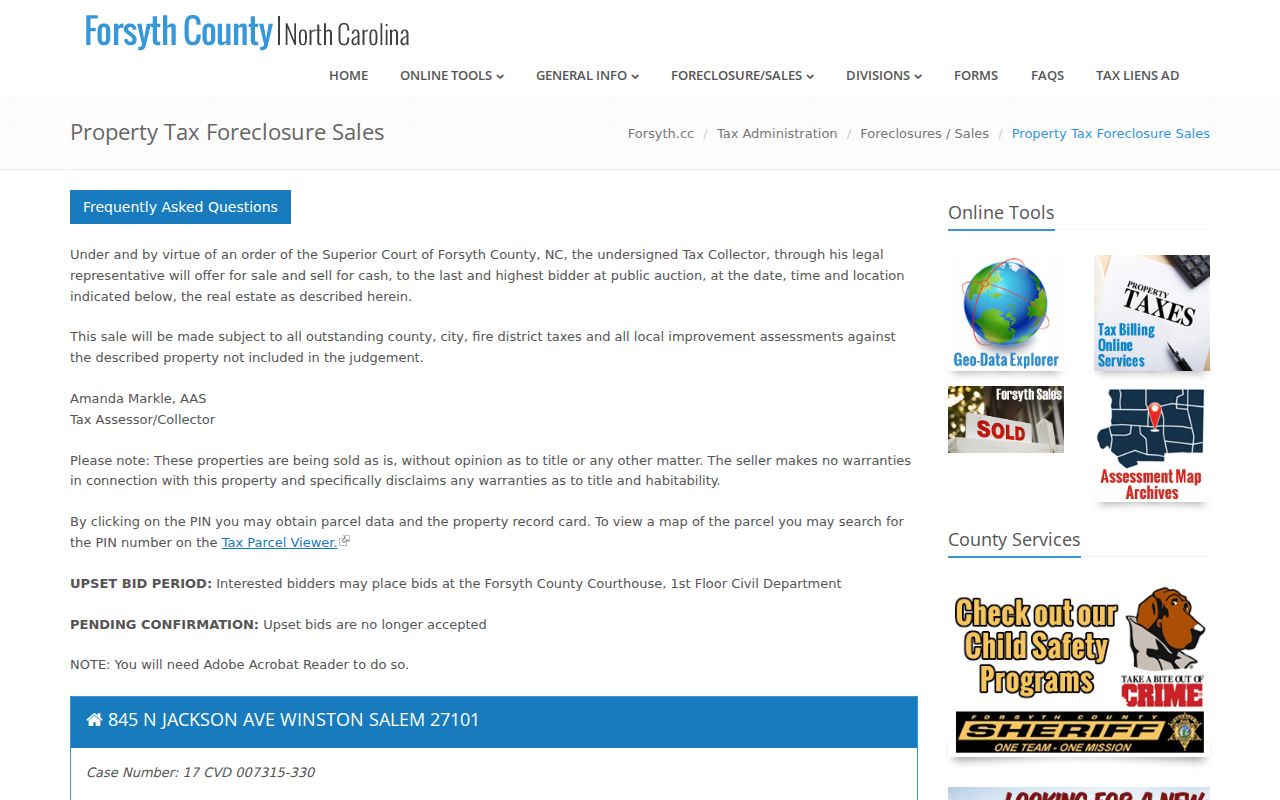
The county page matches the local eCourts-style civil suffix in its listings. Party-level details, though, stay outside this general public docket reference.
Civil Docket Access Rules
G.S. 7A-109 puts clerks under a duty to keep dockets and indexes, with records open to inspection during regular office hours except as law prohibits. Read that as a baseline. It is not a promise that every civil image downloads or that every case category is public. Portal works without registration for public records. Creating an account does not unlock confidential material or expand ordinary public access.
Access boundary: The public Case Summary is an online record view. The Forsyth Clerk is the custodian for an official copy, certification, or available paper file. Sealed, protected, and otherwise restricted materials remain subject to the controlling law and order.
Forsyth's 2025 eCourts transition adds its own boundary. Newer public cases normally begin in Portal. Paper documents that existed at the transition stayed available through the clerk's office. If a public document will not open online, do not assume the record is missing. Give the clerk the case number and a document description. Then ask about a paper or electronic copy.
Forsyth Civil Document Copies
A civil docket and a civil court file overlap. But they are not the same thing. The Case Summary is the public chronology. The file behind it holds pleadings, motions, orders, judgments, returns, notices, exhibits, and financial materials. When a public document is not in Portal, the state court-records route leads to the Forsyth Clerk. Bring the county case number, the document title, and an approximate date. Also bring your copy category: ordinary, certified, or exemplified. Portal results are never official or certified copies.
Copy fees come from the clerk fee statute. The first page of a document is $2. Each additional page is $0.25. A certificate under seal carries a $3 charge, and an exemplification $10. The state allows fees for paper-file copies. It promises no universal delivery time or method, so confirm both with the clerk. For broader number and name searching, the Forsyth County case lookup page covers the full Portal workflow.
Keep the Forsyth number handy. Direct any Forsyth copy request to the Clerk of Superior Court. Never send it to a calendar form.